WELE Mobile App


On this page
WELE Mobile (a feature exclusive to Premium Users) lets you listen anytime, anywhere, listen with the screen off (just like Spotify), listen to tracks in public playlists as well as tracks you've uploaded yourself. While listening, if you catch a word, you can open the dictation screen to write it down, check whether it's correct, save it temporarily, and pick up listening again whenever you have free time.
This feature is a great fit for busy people who don't have the focused time to open a laptop for dictation practice. You can listen on the road, on your way home, while cooking, while washing dishes, before going to sleep — it helps you save time and increase your exposure to the foreign language.
You can download the mobile app here
Apple Store: https://apps.apple.com/vn/app/wele-learn/id6449467539
Android: https://play.google.com/store/apps/details?id=com.welelearnapp&hl=en_US
Purchase the premium service at https://app.wele-learn.com/user/plans
Mobile App Usage Guide
When you log into your account, you'll have 5 options: Home|Billboard|Podcasts|Playlist|Profile
The Home tab keeps track of the tracks you've recently listened to and newly posted tracks.
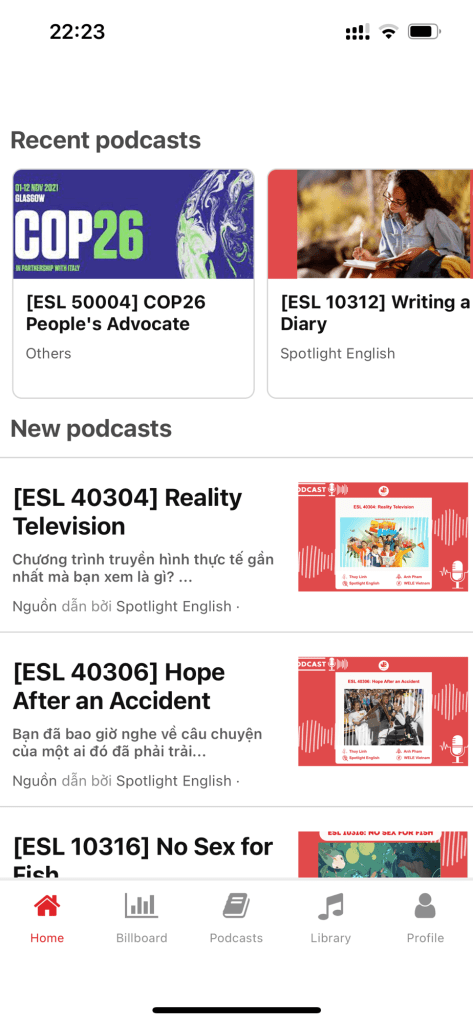
The Podcast tab has been updated in recent versions with an extremely powerful filter feature.
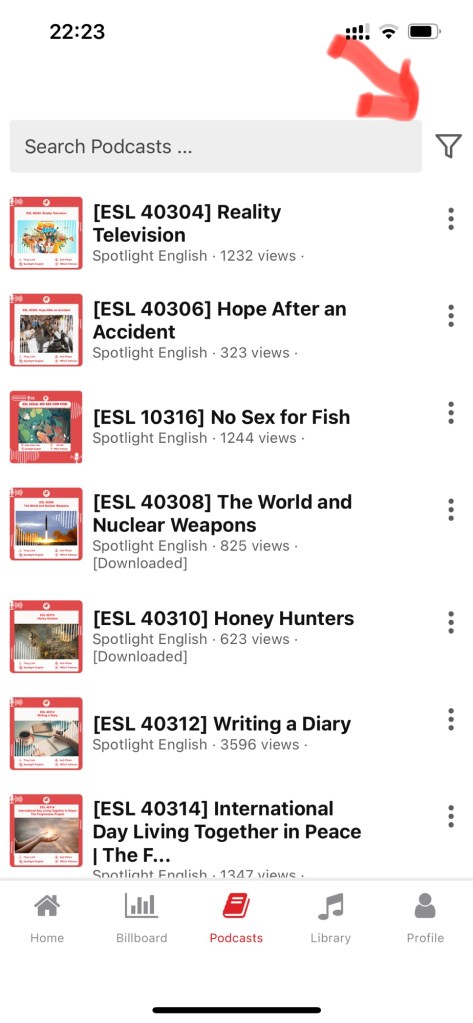
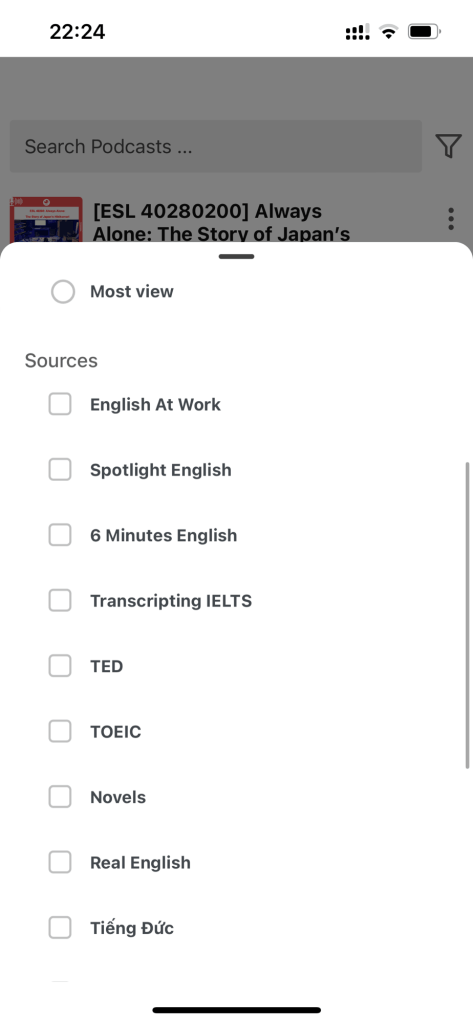
When you tap the filter funnel, you can filter tracks just like on the website — you can find the tracks you've posted, and filter tracks by Collections or by Sources. Since my listening is already pretty good, I really enjoy listening to the TED talks that the admins have picked out for members.
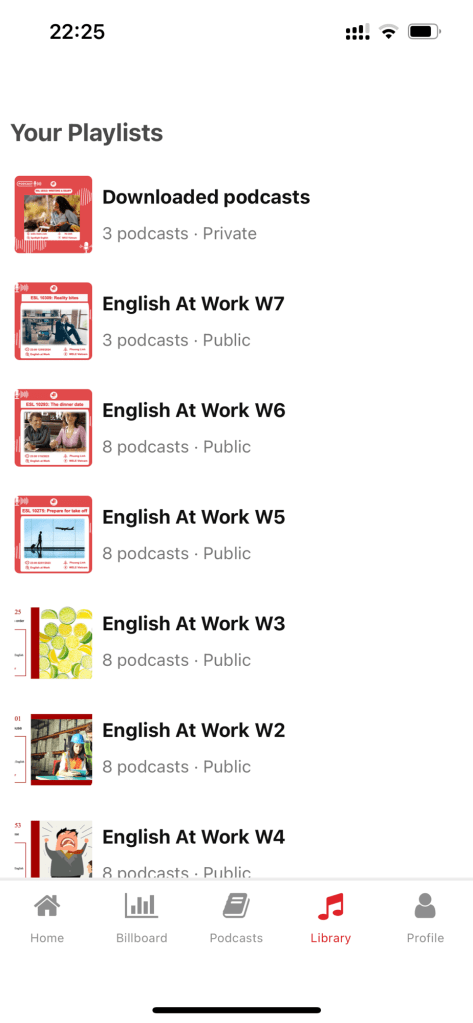
Next up is a fantastic feature for premium users: playlist. You can create your own playlist or listen along to playlists that the WELE team has already prepared for you. You can also download tracks to listen to when you don't have wifi. Imagine sitting on a bus for a long stretch of road, listening to the podcasts you love, and every so often catching a nice word — you can just pull out your phone and write it down!
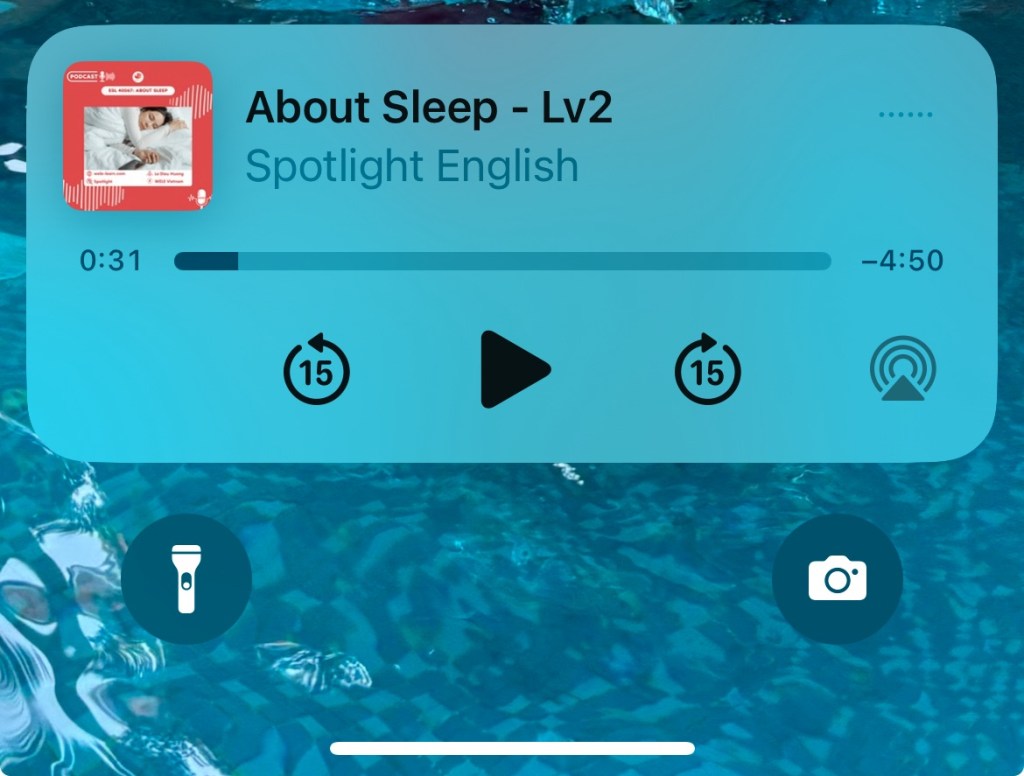
When you turn the screen off, the podcast keeps playing, and you get scrub/seek controls just like the Spotify app.
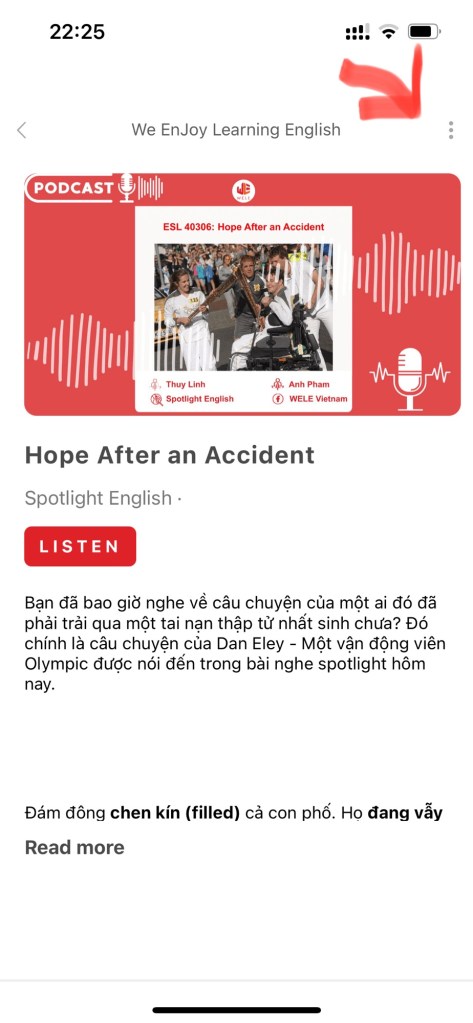
When you want to do dictation, choose a track and tap the three-dot icon in the top right.
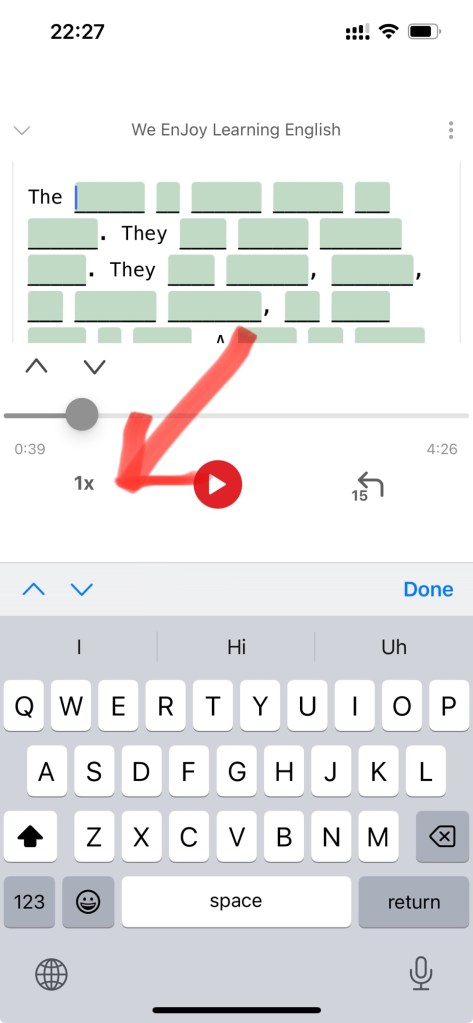
In the dictation section, you can type words out just like typing on a computer. When you want to change the settings for speaking speed or how many seconds to rewind, tap on the "1x".
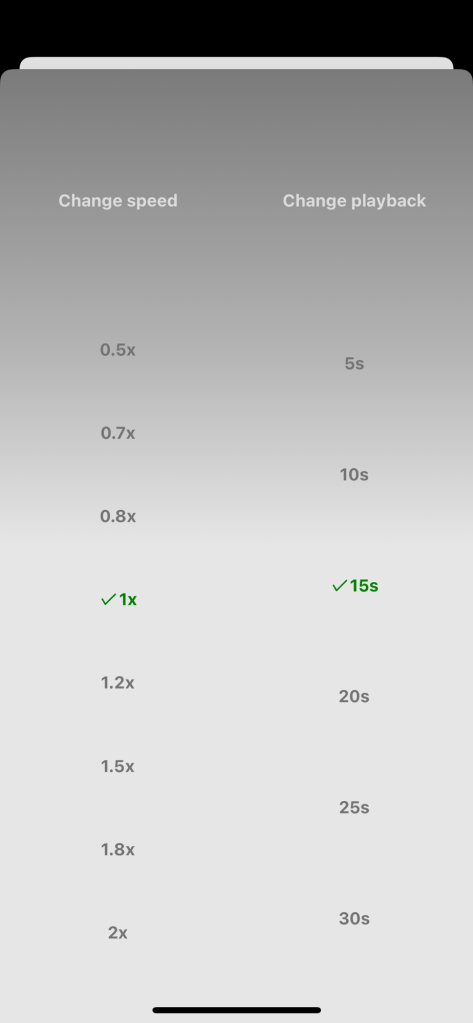
WELE has already set up the options for you!

After you've finished the track, you have these options: Try Result — see how many words you got exactly right; Show Errors — shows the wrong boxes in red; Save Draft — if you haven't finished yet; and Submit — sends it in to the program.
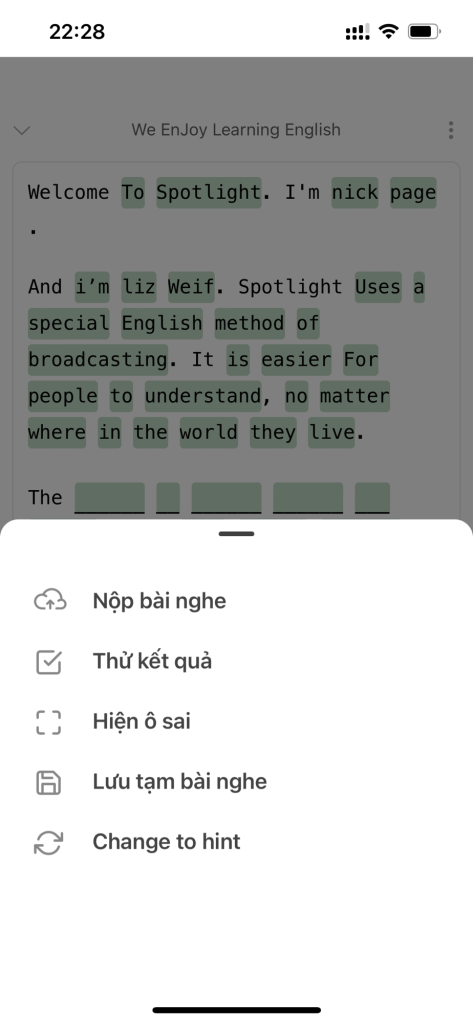
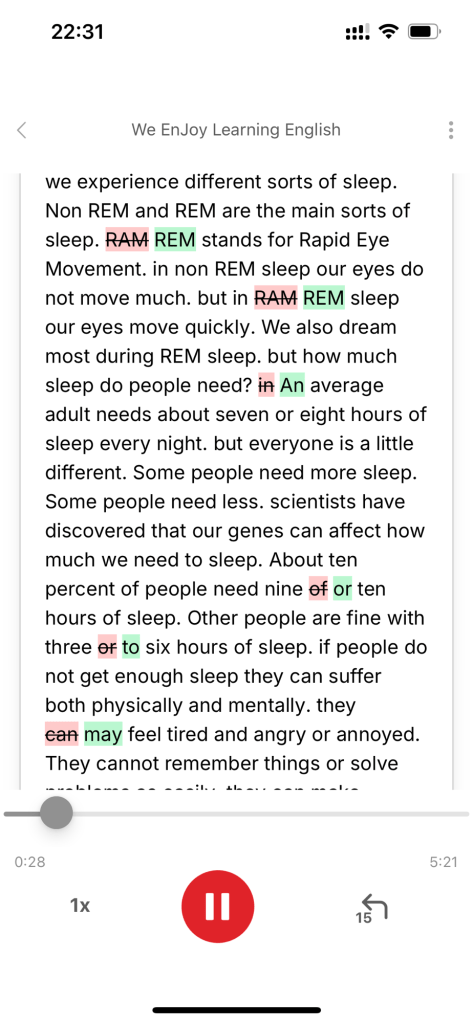
After you submit to the program, WELE will grade it and show the words you got wrong.
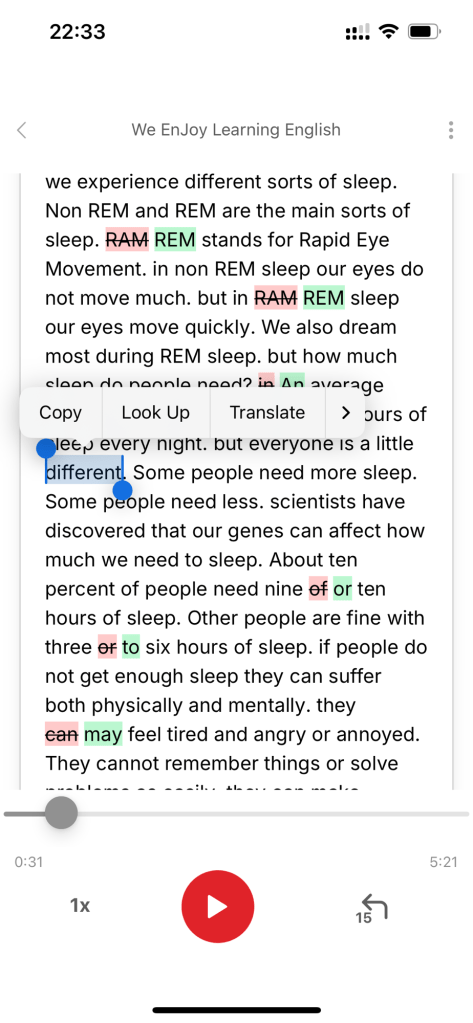
On iPhone, you can select a word and look it up to understand the meaning of difficult words. That way you practice both listening and reading comprehension at the same time.
The dev team is still continuously developing great features for the WELE App. Please support the team by purchasing the premium service. Thank you all so much.
